
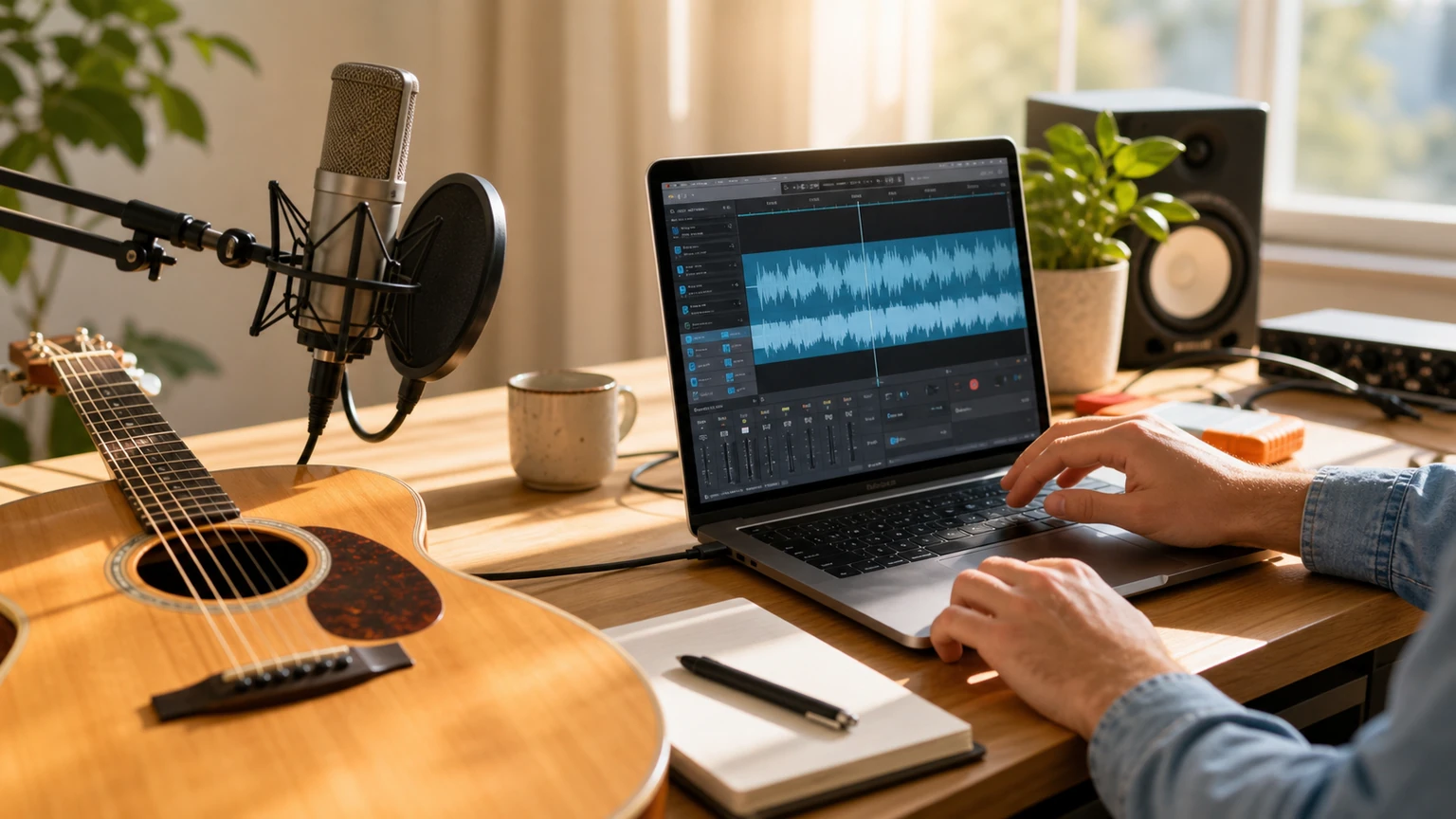
Acoustic pop works when the singer and lyric stay in front. A glossy wall of instruments defeats the reason to choose the style. That's the first decision to give an AI acoustic song generator.
An AI pop song generator points to the same task. So does AI music generator with vocals. The useful question is what the listener should hear rather than which label appears on the tool.
This walkthrough uses a song for a friend that should sound personal rather than ceremonial. It gives every musical choice a job, which makes the first result easier to judge and the next prompt easier to improve.
Start with the listening situation
The style becomes recognizable through a close vocal, strummed guitar with audible rhythm, light bass, and drums that support the words. Decide which trait must lead. The rest can support it, but they shouldn't all demand equal attention.
Play a track in the style and ignore the melody for one pass. Follow the bass, drums, and empty spaces instead. Their relationship tells you more about the genre than a list of adjectives.
Choose the musical center
Ask for a dry vocal, warm acoustic guitar, soft drums, and a small-room feel. Those words describe distance and texture without production jargon.
Tempo controls motion, while words such as dry, distant, narrow, and wide control perceived space. Pair each word with an instrument so the prompt can't confuse the roles.
Plan the change listeners will notice
Let the first verse breathe with guitar and vocal. Bring in bass and restrained drums later, then widen the chorus with harmony rather than an electronic drop.
Section contrast becomes clearer when the prompt uses verbs: strip, add, pause, climb, answer, or return. Choose one action for the important transition.
A complete prompt example
Write the listening situation first, then the groove or palette, followed by the most important section change. That order keeps decorative details from taking over.
Try this prompt
Warm acoustic pop song for a close friend, conversational lead vocal, steady strummed guitar, soft bass and brushed drums. Keep the first verse intimate, add light harmony in the chorus, and finish with a short final line.
Generate two versions from the same brief. Compare the section that matters most for a song for a friend that should sound personal rather than ceremonial, not whichever intro sounds loudest during the first five seconds.
Troubleshoot the output
If it sounds like generic radio pop with guitar pasted on top, remove the synth layers and rebuild the arrangement around the vocal.
Don't rate the whole track as good or bad. Name the late hook, crowded verse, weak kick, or strained vocal. One diagnosis leads to one useful revision.
Check whether the lyric still sounds conversational
Read the lyric without music. Acoustic pop exposes stiff phrases because the arrangement leaves little room for words to hide. Cut formal language, keep contractions, and place the most personal detail near the end of a verse where the melody can give it weight.
Then listen for breath. If every line is long, the singer will rush or flatten the phrasing. Mix shorter statements with one longer line, and leave a small instrumental answer after the chorus. That pause often feels more intimate than another stack of backing vocals.
Generate and compare in Musiko AI
Use Musiko AI directly in the browser. Start in Easy Mode for an idea-led track; move to Custom Mode when the words and arrangement need to be handled separately. Instrumental keeps the result focused on the music.
Paste the prompt and compare the two generated tracks. Start with the version that gets a close vocal, strummed guitar with audible rhythm, light bass, and drums that support the words right. A weak detail can be corrected in the next brief; the wrong groove or emotional direction is a reason to choose the other version.
Name the final song and keep its brief nearby. The useful discovery isn't that one output sounded good; it's which instruction made the groove, space, or transition work.