
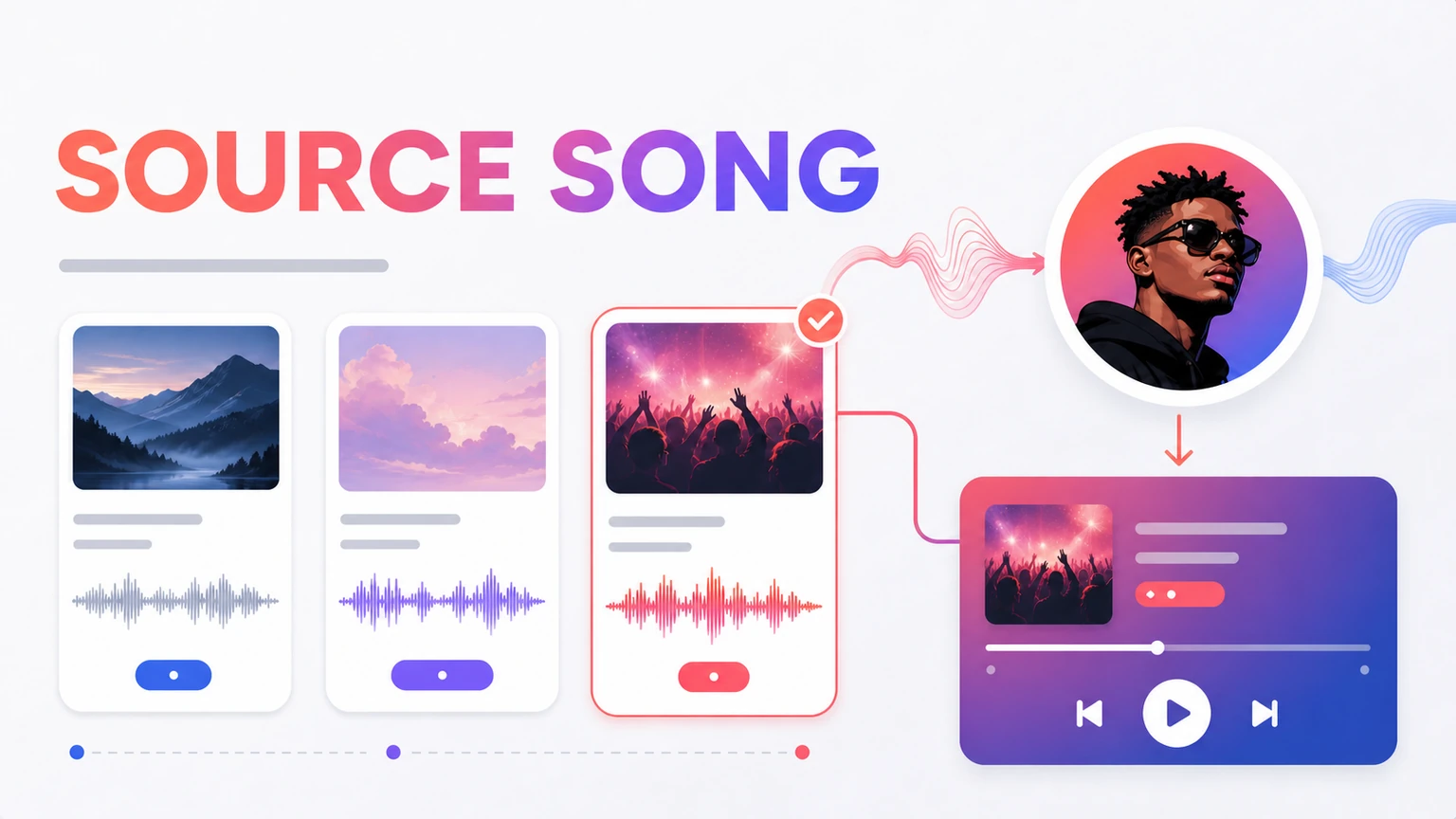
A strong AI cover starts with a source vocal the model can follow. The cleverest replacement voice can't repair a duet buried under reverb. That's the part an AI song cover generator can't decide for you.
Searches for AI cover song and AI voice cover point to the same practical question: what should change in the finished result?
Start with the decision that changes the result
Judge the highest note, fastest phrase, harmony density, and amount of room sound before choosing the song.
Put the decision into one plain sentence before naming a style. That sentence becomes the test when two outputs pull in different directions.
Build a brief around the actual task
Build the brief around the source, use, and one change you plan to judge. Cut any instruction that has no clear listening test.
Try this prompt
Create a voice model and song library into a sensible pairing. Base it on trying a soft voice on a melody with long phrases before attempting fast rap. Use voice-matched cover, with comfortable range, clear lead vocal, manageable speed, and clean source audio. Keep the first verse restrained, let the chorus open up, and finish without a long fade.
Listen for the part that carries the decision
Focus on phrasing, consonants, breaths, range, and how the voice sits against the instruments. A vocal can sound polished yet still feel wrong for the lyric. Fast words need room. Long vowels expose strain. Quiet lines reveal noise that a loud chorus hides.
Use the cleanest source you can get. Background music, room echo, clipped peaks, and a second speaker make analysis or voice matching harder. Headphones help here. Phone speakers hide too much.
Check the whole result, not one lucky moment
Play the first verse, the busiest chorus, and the ending. Those three spots catch most failures. If one part slips, name what changed before trying again: timing, pitch, word clarity, tone, or source quality. Vague feedback sends the next attempt sideways.
Compare versions without fooling yourself
Match the playback volume before choosing a favorite, since a louder chorus often wins the first comparison even when its melody, words, or vocal phrasing fits the idea less well.
Then wait a minute.
Play the opening, one verse, the main hook, and the ending in that order, taking a short note after each section instead of judging from the most exciting ten seconds.
Be specific.
Comments such as ‘the hook arrives too late’ or ‘the piano crowds the vocal’ give you something to change, while ‘make it better’ gives the generator nowhere useful to go.
Keep the version that tells the story most clearly, even if another take has more instruments, a louder mix, or a flashier opening that wears thin on replay.
One final check matters.
Send the song to the person or screen where it’ll actually be heard, because headphones, phone speakers, and background playback expose different problems in balance and pacing.
Test the chorus before the whole track
Use a 20 to 30 second section containing the highest note and busiest lyric. If the target voice keeps its character there, the verse will usually be easier. A clean moderate-range song is a better first test than a live recording with crowd noise and stacked singers.
Revise the first failed moment, not the whole result. Preserve every section that already does its job.
Complete the workflow in Musiko AI
Musiko AI keeps the starting point simple for a beginner: choose a voice, upload the source or select a Library song, then generate the cover. Easy Mode works when a plain description is enough; Custom Mode is better when lyrics or vocal direction need separate control.
Compare two outputs at the moment the task depends on most. Save the winner with the prompt and a short reason for choosing it.