AI Remix

AI Remix

Your Songs

No songs yet

Create your first song with Musiko AI.

Your song is a starting point. Take it somewhere new.

Musiko’s AI music remix tools let you change a song’s style, fix one part, write a new ending, or split the vocals from the music. Choose what you want to do with your song.

Change Style

Hear a pop track as rock, folk, or electronic music, with a different arrangement and vocal take. Musiko regenerates the song in the style you describe.

Best for:
Hearing a song you like in another genre.
How it works
Choose a song or upload audio you have permission to use. Describe the new sound in New Description & Style, edit the lyrics or voice settings if you want, then select Generate.
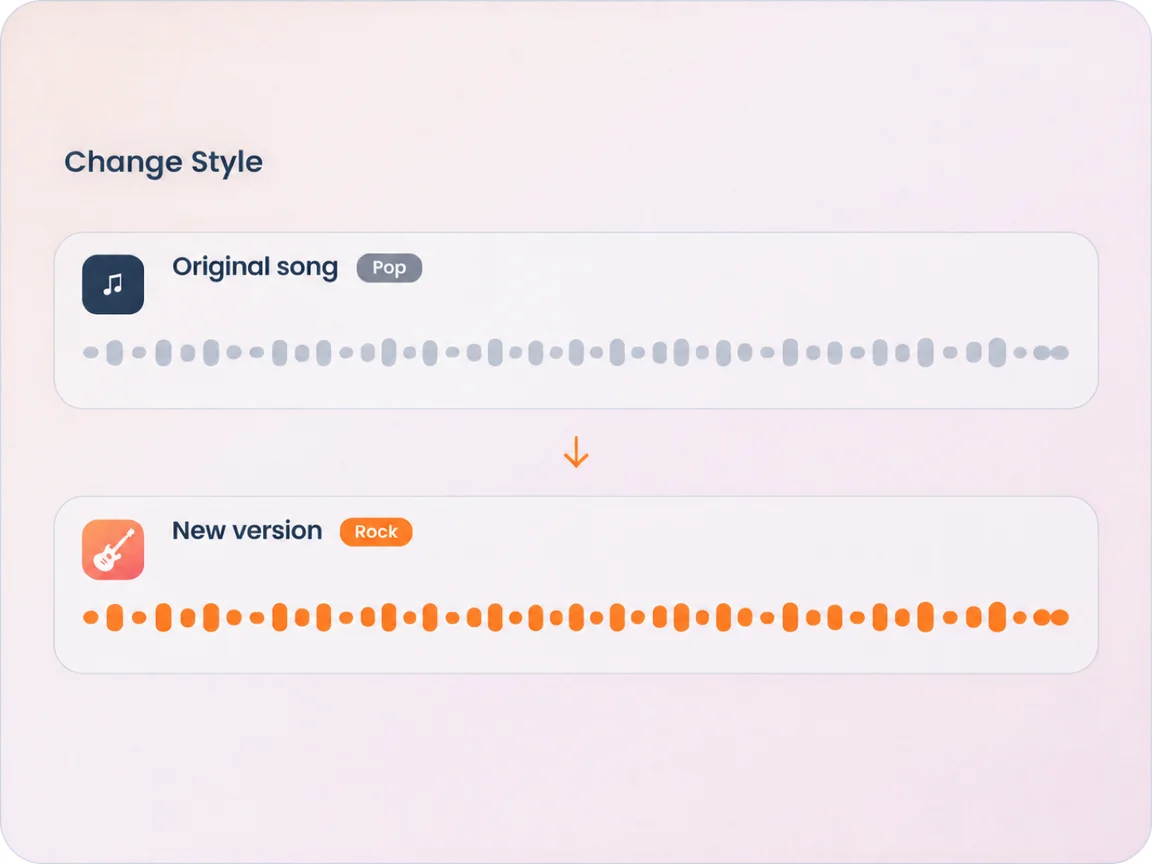
An original song reimagined in a different style.

Replace Section

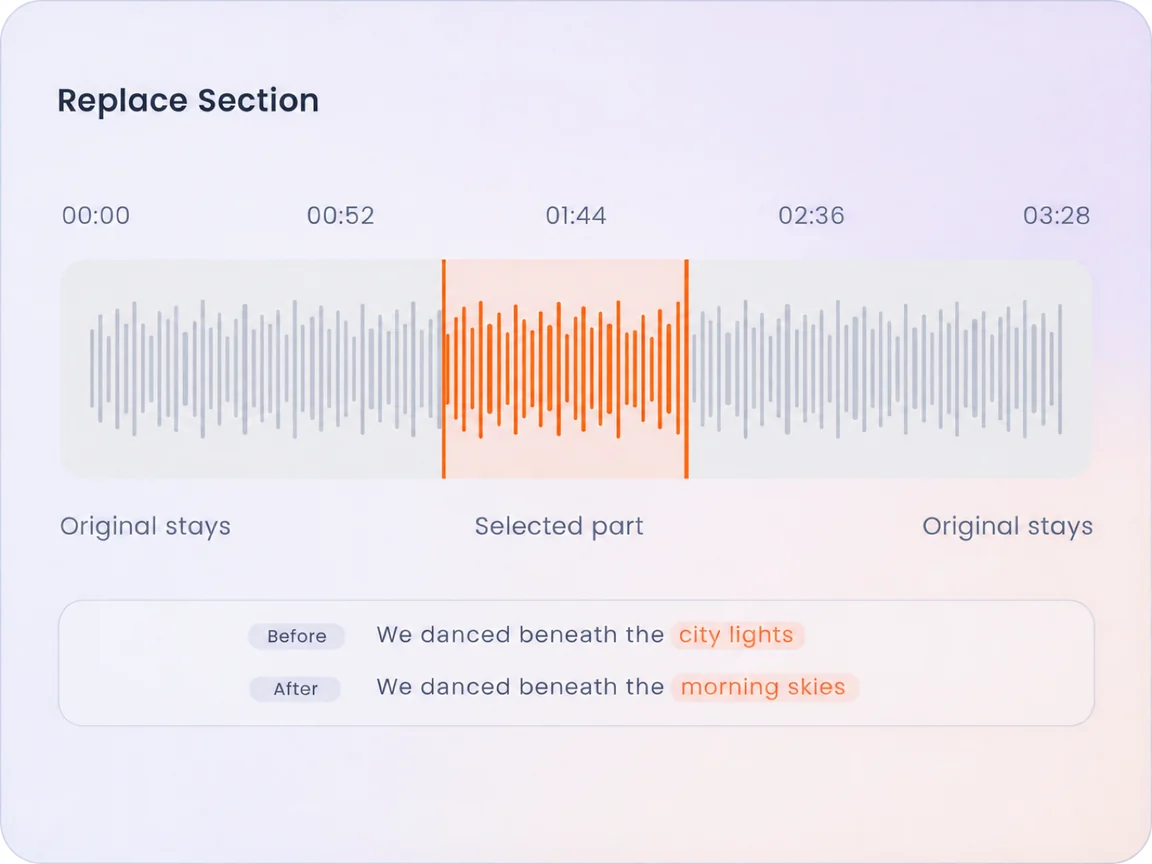
One line sounds wrong? Select a short part of the song and regenerate that passage. You can change a few lyrics, try another vocal phrase, or adjust a musical detail. The music before and after your selection stays.

Best for:
Fixing one part when the rest of the song sounds right.
How it works
Mark the start and end on the waveform. Use Play selection to check the range, edit the lyrics or settings, then select Generate.
A selected middle passage is replaced while the music on either side stays.

Extend Song

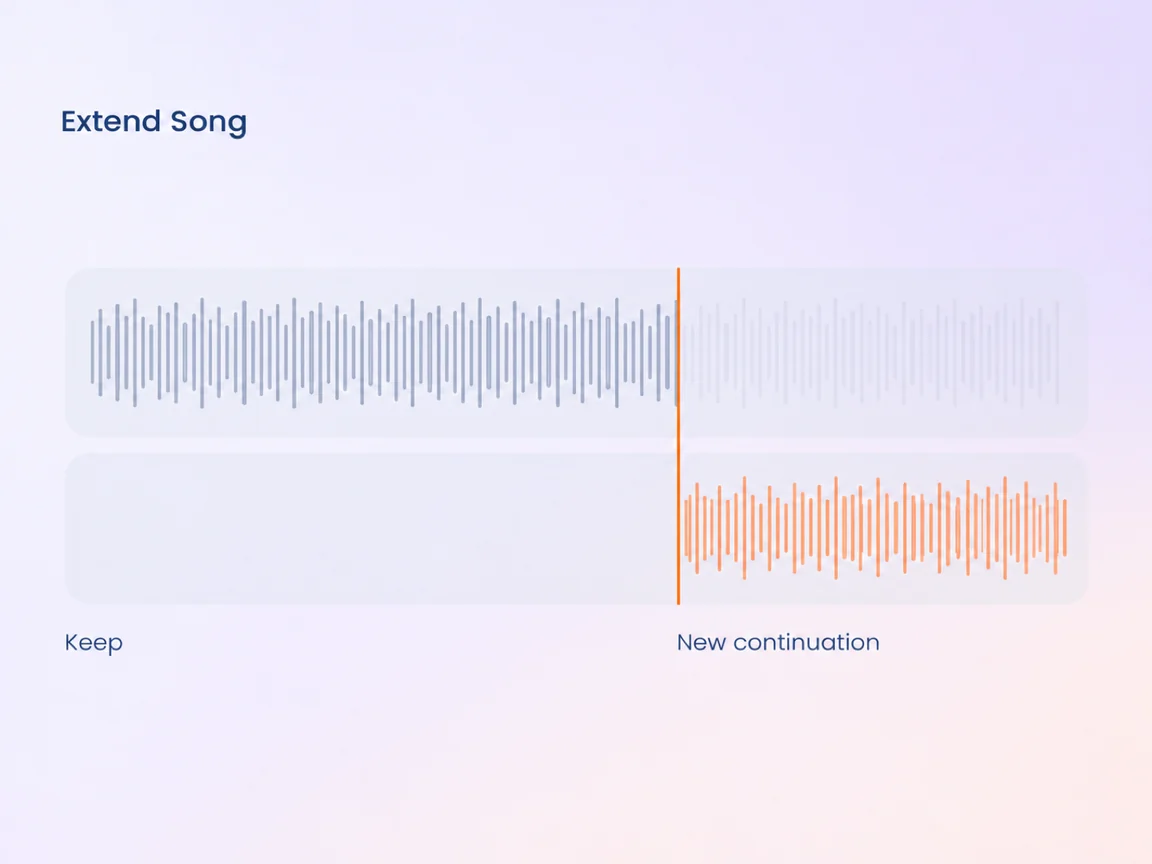
Continue a song from its ending, or choose a point in the middle to create a different second half. Everything before your starting point stays. If you start in the middle, newly generated music replaces the original ending.

Best for:
Adding another verse, writing a new ending, or taking a different path after the chorus.
How it works
Choose “A specific point” and set the starting time, or choose “The end”. Describe what comes next, add lyrics or choose Instrumental, then select Generate.
The audio before the chosen point stays and a newly generated ending follows.

Separate Vocals

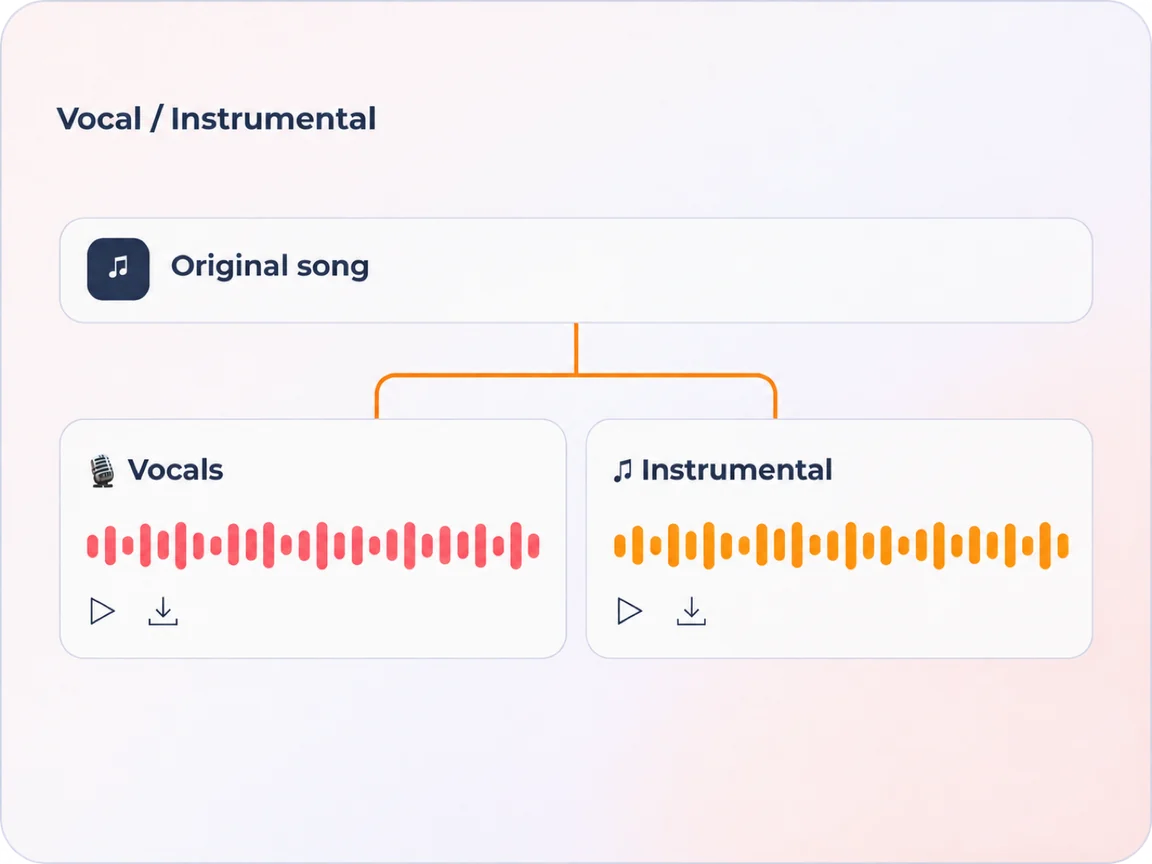
Separate the vocals from the music in your song. You get a vocals-only track and an instrumental track. Both appear beneath the source audio, where you can play or download either one.

Best for:
Singing practice or listening to the voice alone.
How it works
Open Separate Vocals, choose a song or upload audio you have permission to use, then select Generate. When the tracks are ready, play or download either one.
A song splits into separate vocal and instrumental tracks for playback or download.
Start Free

Know the credits before you remix

Each AI Remix tool has its own credit cost. Check the amount beneath Generate before you start.

Change Style
12 credits
Replace Section
10 credits
Extend Song
12 credits
Separate Vocals
10 credits

Need More Credits?

Weekly Pro
≈ 50 songs
$4.99
Monthly ProPopular
≈ 167 songs
$9.99
Yearly ProSave 50%
≈ 1,200 songs
$59.99
Upgrade Now

Frequently Asked Questions

Choose a source song

No songs loaded yet

Open AI Music to load your songs, or choose an audio file on this page.

AI Music Generator

Upload audio

MP3, WAV, M4A, AAC, OGG, FLAC · Up to 50 MB / 8 min